Upload the PPT
read the notes
Use .ppt or .pptx. For special fonts, also upload a PDF. Notes on each slide are the narration. Polyphones can be marked with a homophone.
 PPT2VideoFrom PPT to video, 3 steps
Read the PPT notes; choose voice and music; set transitions, intro and outro, then export an MP4.
Use .ppt or .pptx. For special fonts, also upload a PDF. Notes on each slide are the narration. Polyphones can be marked with a homophone.
A cartoon presenter is available. Voices include children, male and female, regional dialects, Cantonese, Taiwan Mandarin, Japanese, Korean, and English. Set speed, pitch, and volume. Four built-in tracks, or upload your own.
Choose subtitles and the font. Pick a transition. Insert more than one intro or outro. Choose 720p, 1080p, or 4K, pick a save location, then export.
Reads notes and slide pictures
A PDF keeps special fonts in place
Voice: Xiaoxiao (warm, female). Speed 0, pitch 0, volume 0.
Staff 1 follows the narration. Gestures are random.

 01Staff 1
 Child
 Male staff
 Expert
 Teacher
 Staff 2
Drag to move the presenter.
Upload a PPT. The notes are the narration, and you can edit them after upload. For special fonts, also add a PDF.
Upload the file →Choose a voice and background music, adjust volume and speed, then preview.
Preview →Turn on subtitles, choose a transition and a size, pick a save location, then export.
Export →






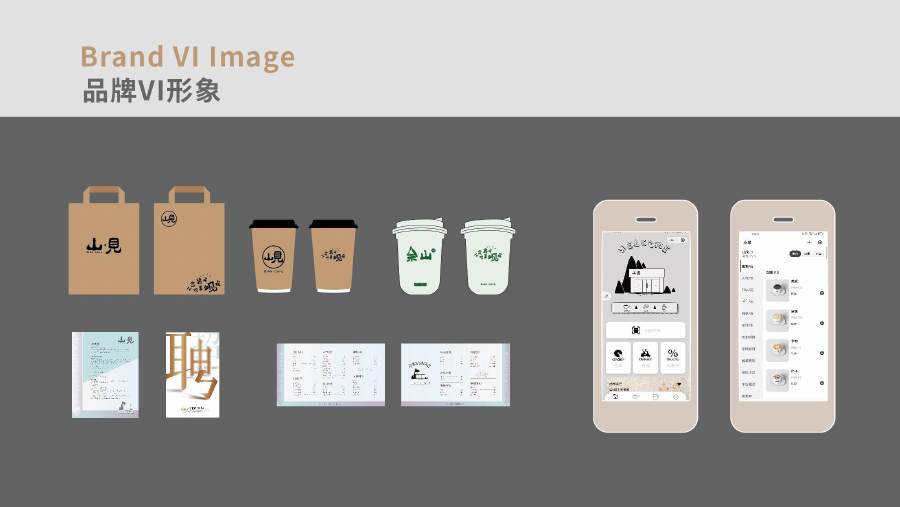










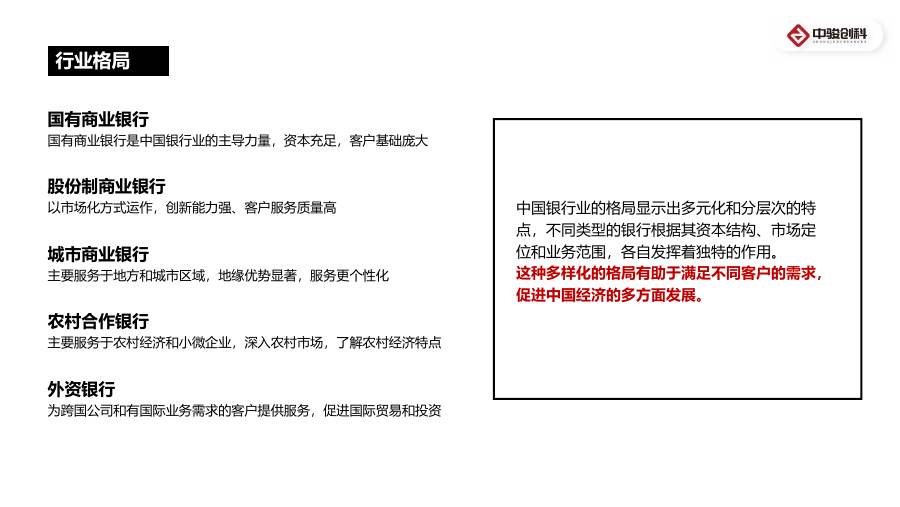



















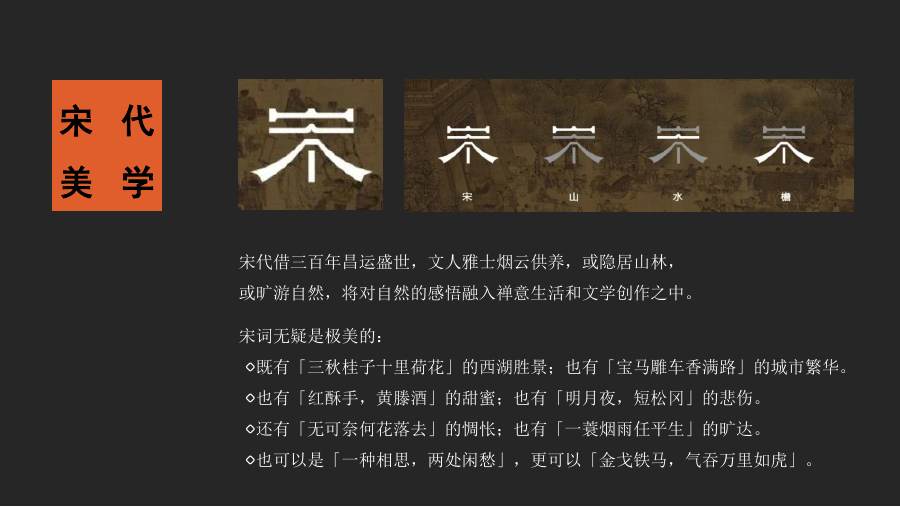















This computer does not have the fonts used in the PPT, so a default font is used instead. Export the PPT as a PDF and upload it. The pictures then follow the fonts in the PDF.
Yes. A slide with no notes stays as a still picture for 2 seconds.
No. Put the full notes on the first slide and leave the later notes empty. Those slides share the first slide’s text.
After the misread character, put the intended sound in {}. The voice reads the text inside {}. The screen still shows the original characters. If 会计 is read as hui计, write 会{快}计.
Yes. After the PPT is parsed, click Replace on a slide that should play a video. That video is included in the finished presentation.
Yes. There are 6 built-in cartoon presenters. They animate with the narration. You can change their position and size.
Three steps produce a narrated video with motion, multilingual voice, music, subtitles, and transitions.
Start creating with PPT2Video now.